PDF Conversion Quality Checks: A Practical Request-to-Delivery Workflow
PDF conversion works best when the requested output and quality standard are documented before production begins. A small request sheet can prevent missing pages, incorrect formats, and avoidable rework.
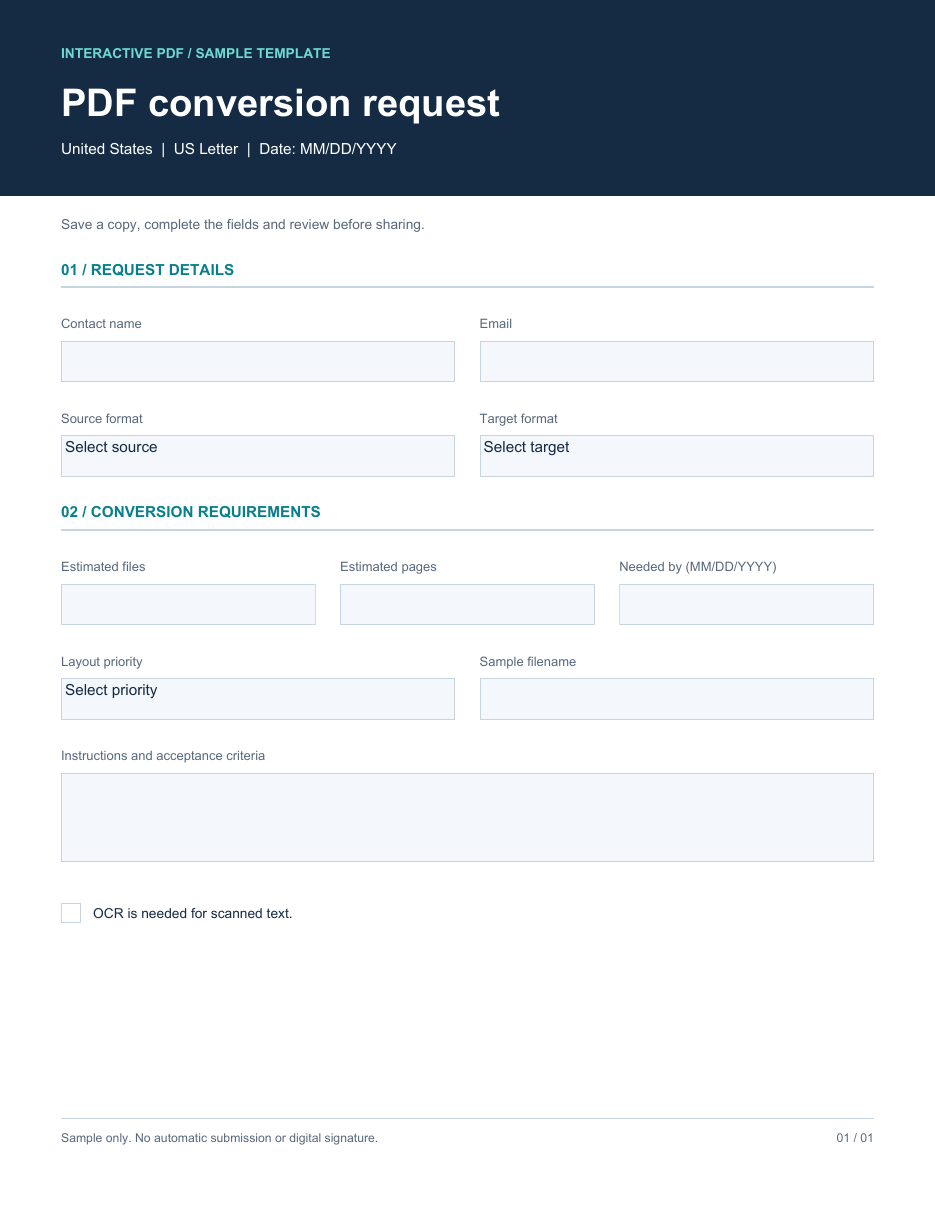
Record the source and target
List the source file type, desired output, page range, OCR requirement, and whether layout fidelity or editable text is the main priority. Include password or permission issues in a secure internal note rather than the public brief.
Define the QA checklist
A reliable review covers page count, headings, tables, images, hyperlinks, headers and footers, and searchable text. Sample several pages at normal zoom and inspect difficult elements separately.
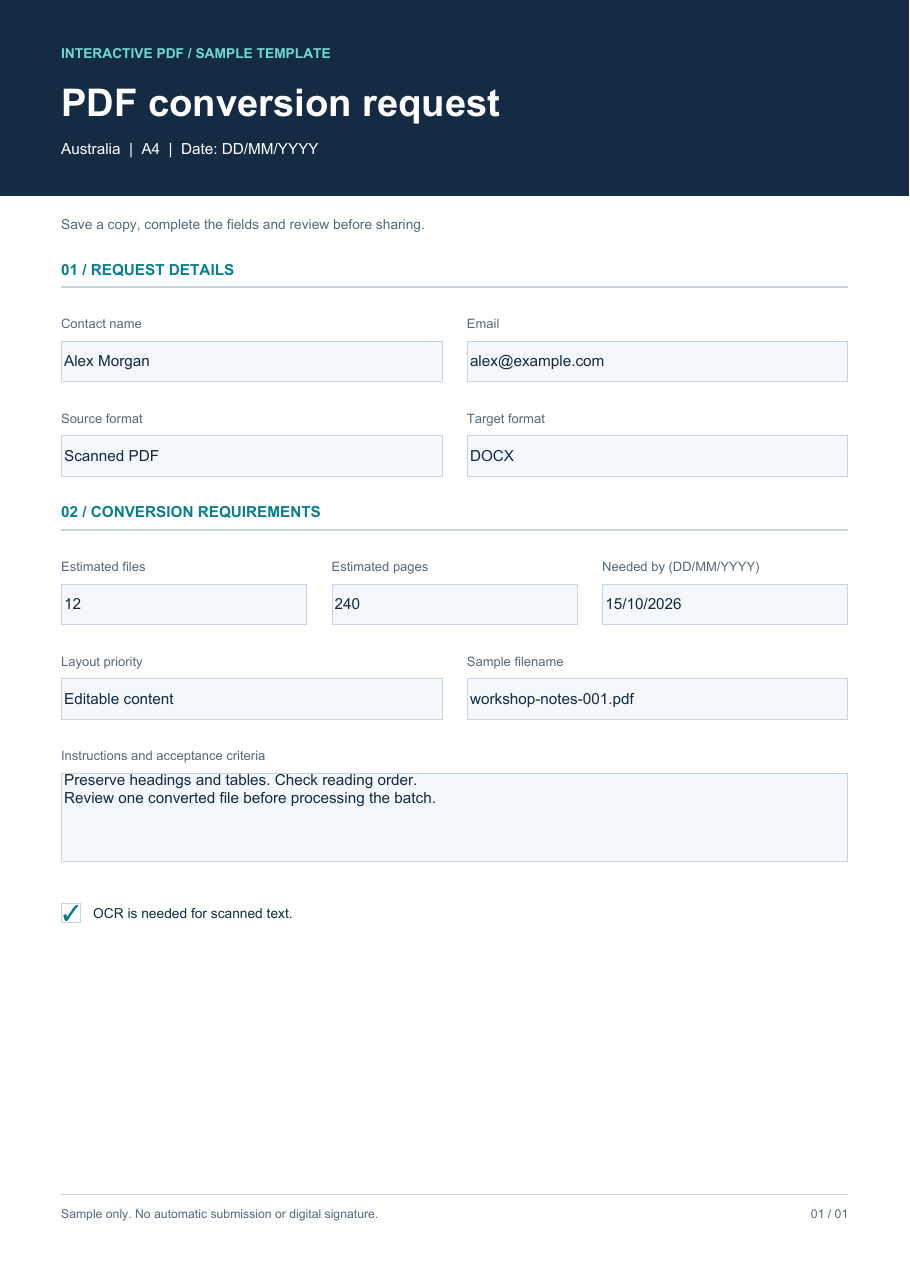
Use regional review examples
US, UK, and Australian files may use different page sizes, date formats, spelling, and address structures. Include those details in the test set. A documented handoff makes PDF conversion services easier to scope and verify.
All examples shown here are unbranded and use fictional information.
About the author
- Practical guides and visual examples for custom fillable PDF forms, PDF conversion services , OCR, and document conversion workflows. I share clear tips for organizing documents and checking conversion quality for users in the US, UK, and Australia.
Comments
Join the discussionNo comments yet. Be the first to comment.